Make your Neto products
look stunning.
Stop uploading images of products on boring white backgrounds. The Upstager connects directly to your Maropost/Neto store and uses AI to place your products in professional, high-converting scenes.

The Maropost Bridge
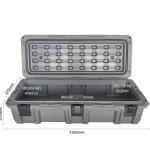
If you run a shop on Neto, you know the drill. You have 5,000 SKUs. You can't possibly hire a photographer for all of them. So you use the manufacturer's images.
The problem? They are boring, they are identical to your competitors, customers bounce, and Google punishes duplicate content.
Vendos Upstager solves this without you lifting a finger. It shakes hands with your inventory system, pulls the boring photos, gives them a makeover, and prepares them for your approval.
We don't just "remove the background"
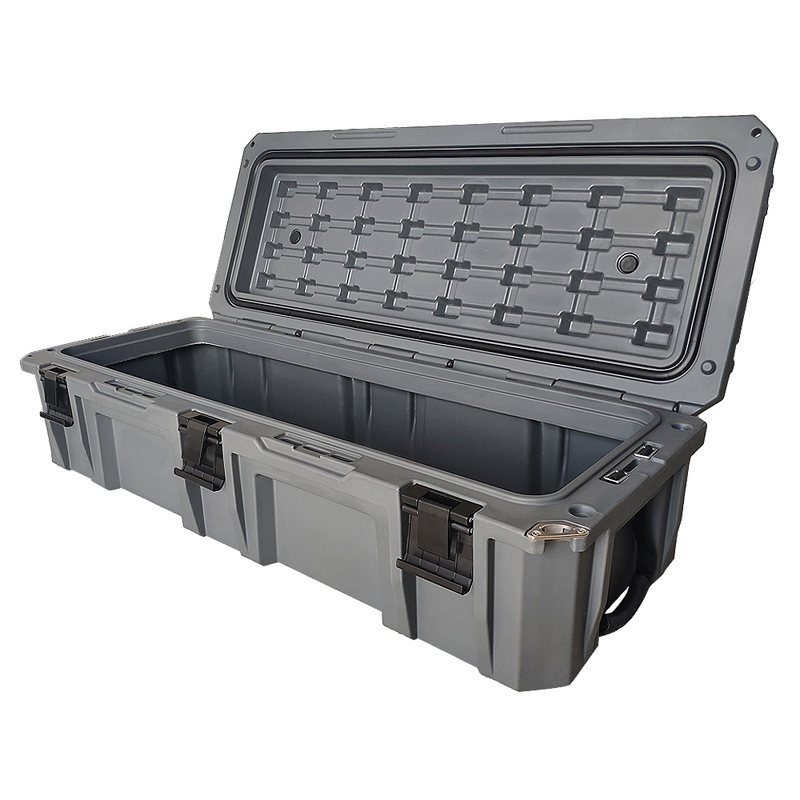
We understand the geometry of your product. Whether it's a 4WD bullbar on a muddy track or a coffee machine on a marble benchtop, the lighting and shadows are generated realistically.

Create Infinite Scene Presets
Don't settle for generic backgrounds. Teach the AI exactly what you want using our Dynamic Preset Builder. Define variables like {Lighting} or {Background} to create powerful, reusable forms for your team.
Select the images you want to process with the same style.
Workspace
Process Entire Collections in One Click
Got 50 new arrivals? Don't do them one by one. With Batch Processing, you can apply your custom Scene Presets to entire product groups instantly.
- 1Select multiple product images from your catalog.
- 2Choose your Scene Preset (e.g., "Summer Sale").
- 3Review and approve in bulk. Done.
Why you should give it a try
Super Quick Setup
All you need is your Neto API Key and your website URL. We fetch your catalog instantly.
50 Free Credits
Process 50 products on the house. No credit card required.
Boost Your SEO
Unique images help you rank higher on Google Shopping.
Ready to stage your inventory?
Get your first 50 images processed for free. Simply register, connect your Neto API key, and watch the magic happen.
Compatible with Neto by Maropost. Standard Vendos Terms Apply.